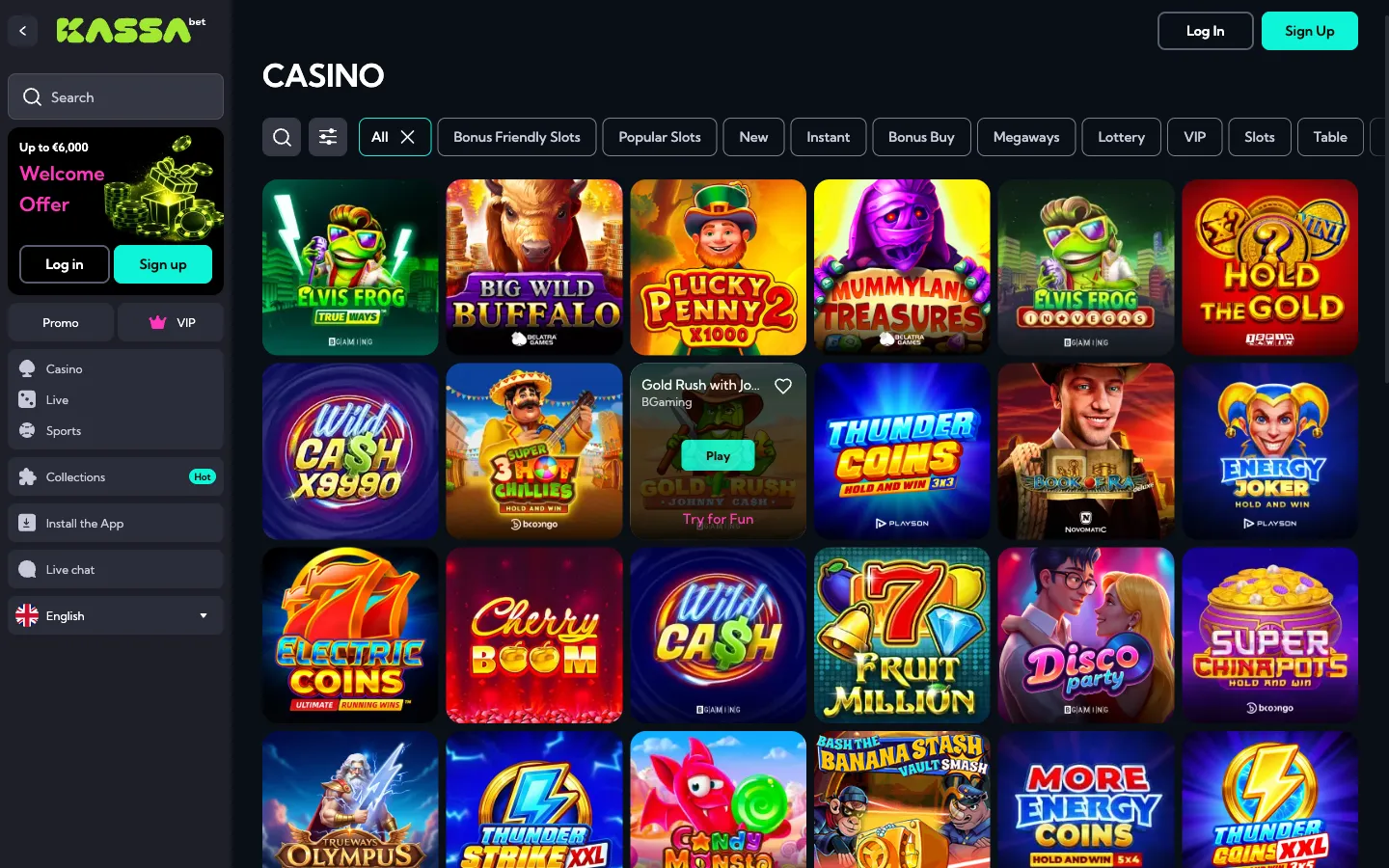

This cookie policy explains how BetKassa Bonus Check handles small browser files and visitor data when you read our independent guides about KassaBet. Because we are an editorial information website rather than an online casino, we keep browser storage to a strict minimum and do not run user accounts or a cashier. Below you can read which technical files are placed on your device, how outbound affiliate tracking works, and how you can control your browser settings.
Which cookies we use
Our website is built to check bonus rules, such as verifying that KassaBet uses an opt-in tick box in the cashier instead of promo codes, without collecting personal profiles from our readers. Under this cookie policy, our site relies on three technical mechanisms to deliver pages, measure anonymous traffic, and register when a visitor decides to leave our site via an outbound partner link.
| Type | Purpose | Duration |
|---|---|---|
| Functional | Remembers basic display preferences, language routing, and notice dismissal so the page loads properly on desktop and mobile browsers | Session to 12 months |
| Cookieless statistics | Counts page views, device screen sizes, and referring pages using anonymised server hashes without storing tracking files in your browser | 24 hours (server-side hash only) |
| Partner tracking on click | Assigns an anonymous referral identifier only at the moment you click an outbound affiliate link to the casino | 24 hours to 30 days |
Functional storage is active by default because the site cannot display its layout properly without it. Our analytics setup runs without placing tracking cookies on your phone or computer. Instead, page views and reading times are aggregated without cross-site profiling. Partner tracking remains completely inactive while you simply read our articles and tables.
Partner cookies
While our own editorial pages stay lightweight, clicking an affiliate link takes you away from BetKassa Bonus Check and transfers your browser to KassaBet. Once you land on the casino website, the casino may set its own cookies on your device under its own privacy rules and cookie policy. We do not have access to the files set by the casino, nor can we see your registration details or financial activity.
The casino uses its own browser files to run its web application, since there is no downloadable app in the App Store or Play Store. On the casino side, those files are necessary to keep you logged in, run the 24/7 live chat with the assistant Kassi, and remember your cashier settings. For example, if you make a €20 deposit to claim the 100% welcome bonus up to €750 plus 100 free spins on Big Bass Vegas (€0.20 per spin, credited as 20 spins a day for 5 days), the casino platform uses session storage to record that you ticked the opt-in box before paying via Trustly, Visa, Mastercard, Skrill, or Neteller.
The same applies when the casino tracks your €5 maximum bet limit or calculates the x35 wagering requirement within 10 days (where slots count 100%, table games 10%, and live casino games 0%). Partner storage on the destination site also recognises returning players who opt in for weekly offers like Thursday Spins (50 free spins for a €30 deposit, with x30 wagering on winnings). To see how the casino manages these files, you must check the privacy notice inside the KassaBet lobby.
Managing cookies
You can inspect, block, or delete browser files at any time through your web browser controls. Every major browser lets you clear existing data for a single site or block third-party storage across all websites. Keep in mind that blocking all functional cookies may cause parts of this cookie policy notice to reappear on every visit, and blocking files on the casino site itself will prevent you from logging into the lobby or opening the cashier.
Here is how to manage or clear stored site data in the three most common browsers:
- In Google Chrome, open the three-dot menu in the top corner, select Settings, go to Privacy and security, and open Third-party cookies or Site settings to block storage or delete saved data for specific websites.
- In Apple Safari on iPhone, iPad, or Mac, open Settings (or Preferences on Mac), select the Safari or Privacy tab, and choose Clear History and Website Data, or toggle the option to block all cookies under advanced privacy settings.
- In Mozilla Firefox, open the main menu button, select Settings, go to the Privacy & Security panel, and choose Custom under Enhanced Tracking Protection to block cookies, or click Manage Data under Cookies and Site Data to remove individual entries.